5 Tips for Maintaining Your Cordless Vacuum Battery for Longer Lifespan
By OneIDDeal™ | Published: 2026-06-30
Category: How-to Guides
Learn how to extend the life of your cordless vacuum battery with these 5 essential maintenance tips. Boost runtime, avoid common mistakes, and get more cleaning power from your stick vacuum.
Your cordless vacuum is a workhorse, zipping through dust bunnies, pet hair, and everyday messes with ease. But the battery—the heart of the machine—has a finite lifespan. Over time, even the best stick vacuums lose their runtime, leaving you recharging mid-clean. The good news? With a few simple habits, you can significantly extend your battery's health and get more years of powerful suction. In this guide, we'll cover five proven tips for maintaining your cordless vacuum battery, helping you maximize your investment and keep your home spotless.
1. Avoid Deep Discharges: Charge Before the Battery Drops Too Low
One of the most common myths about lithium-ion batteries—the kind used in most modern cordless vacuums—is that you should let them drain completely before recharging. This is false. Unlike older nickel-cadmium batteries, lithium-ion batteries perform best when kept between 20% and 80% charge. Allowing them to drop to zero regularly stresses the cells and shortens overall lifespan.
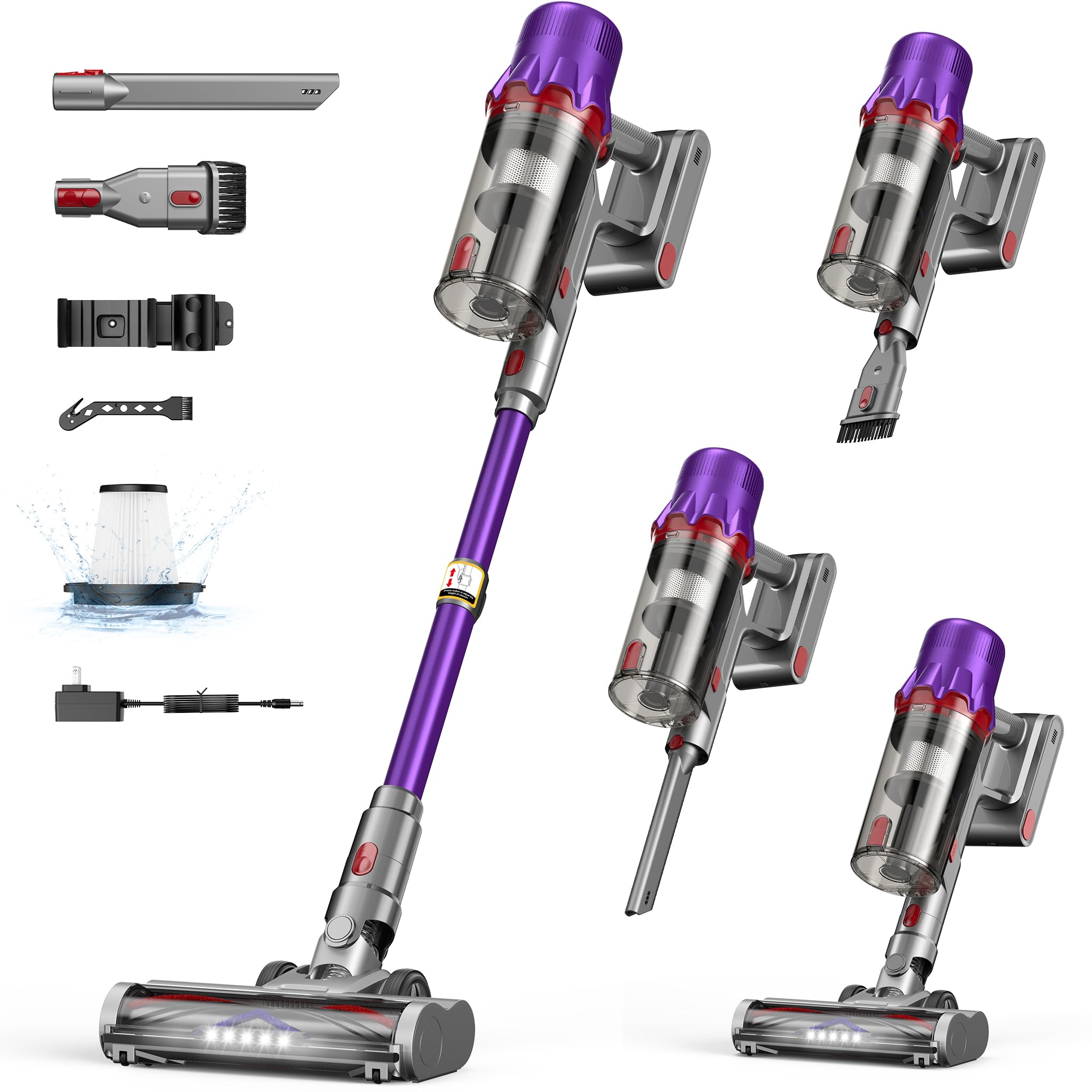
To maintain your cordless vacuum battery, get into the habit of plugging it in after each use, even if the charge indicator still shows bars. For example, if you're using a powerful model like the Cordless Vacuum Cleaner for Home - Powerful Stick Vacuum with HEPA Filter, 55-Min Runtime, LED Light, Anti-Tangle Brush, Detachable Battery, Lightweight Vac, plug it back into the wall after a quick cleanup. Consistent top-ups keep the battery chemistry balanced and reduce wear.
If you store your vacuum for weeks without use, aim to store it at around 50% charge. This minimizes chemical degradation and ensures the battery is ready when you need it.
2. Store Your Vacuum in a Cool, Dry Place
Heat is the enemy of all batteries. Leaving your cordless vacuum in a hot garage, next to a radiator, or in direct sunlight can accelerate capacity loss. Similarly, extreme cold can temporarily reduce performance and cause permanent damage if repeated.
For optimal battery care, store your vacuum in a temperature-controlled environment—ideally between 50°F and 80°F (10°C–27°C). A closet, pantry, or utility room works great. If you have a model with a detachable battery, like many modern stick vacuums, you can remove the battery and store it separately in a cool drawer. This is especially helpful if you own multiple units or swap batteries between devices.
Remember: a cool battery lasts longer. Avoid placing your vacuum near heaters, ovens, or even sunny windowsills.
3. Use the Correct Charger and Avoid Overcharging
It might be tempting to use a generic USB charger or a power brick from another device, but this can harm your vacuum's battery. Always use the original charger that came with your vacuum. Third-party chargers may deliver incorrect voltage or current, leading to overheating or overcharging.
Modern cordless vacuums often have smart charging circuits that stop drawing power once the battery is full. However, leaving the vacuum plugged in for days or weeks on end can still stress the battery's management system. To maintain your cordless vacuum battery, unplug it once the indicator shows a full charge. If you clean daily, a 1-2 hour charge cycle is usually sufficient.
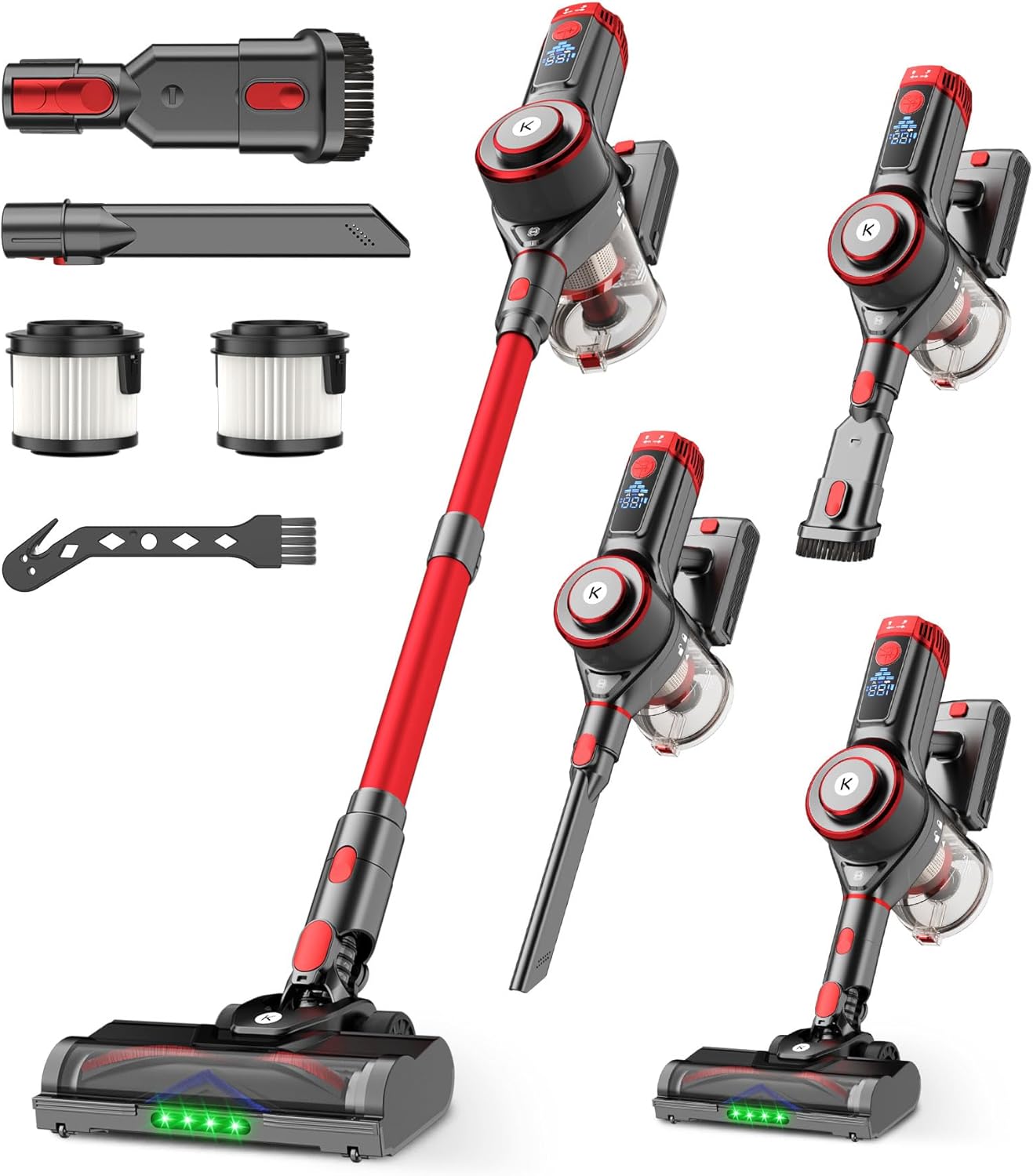
For example, the Cordless Vacuum Cleaner, 650W 55KPa Powerful Stick Vacuum, 70-Min Runtime, Self-Standing, Anti-Tangle Brush, OLED Display, Vacuum for Carpet, Hardwood Floors & Pet Hair features a high-capacity battery and advanced charging technology. Pairing it with the correct wall adapter ensures you get the full 70 minutes of runtime without compromising battery health.
4. Keep the Vacuum and Battery Contacts Clean
Dust, debris, and pet hair can accumulate on the metal contacts where the battery connects to the vacuum. Over time, this buildup can create resistance, causing the battery to work harder to deliver power. This not only reduces runtime but can also generate excess heat.
Every few weeks, check the battery terminals and the vacuum's charging port. Use a dry cloth or a soft brush to remove any debris. For stubborn grime, lightly dampen a cotton swab with isopropyl alcohol and gently wipe the contacts. Make sure everything is completely dry before reconnecting or charging.
This simple maintenance step also applies to the charging dock. A clean connection ensures efficient energy transfer and helps maintain your cordless vacuum battery's full capacity. If you use a model with a removable battery, like many stick vacuums, this check takes less than a minute and pays off in longer battery life.
5. Use the Right Power Mode for the Job
Most cordless vacuums offer multiple suction modes: Eco, Standard, and Turbo or Max. While Turbo mode is great for deep cleaning carpets or tackling heavy pet hair, it drains the battery much faster. Running on Max mode for the entire cleaning session can cut your runtime in half and increase battery wear over time.
To preserve your cordless vacuum battery, use Eco or Standard mode for everyday cleaning on hard floors and low-pile carpets. Reserve Turbo mode for spot-cleaning high-traffic areas or stubborn messes. This strategy not only extends battery life per charge but also reduces the total number of charge cycles your battery goes through in its lifetime.
This tip is especially useful for pet owners who need frequent cleanups. Pairing a vacuum with a Hands-Free Rope Dog Leash for outdoor walks can help reduce the amount of dirt and fur tracked inside, meaning you'll need less intensive vacuuming. Combine smart cleaning habits with smart gear choices for the best results.
Bonus Tip: Replace the Battery When Needed
Even with the best care, all batteries eventually degrade. If you notice that your vacuum no longer holds a charge for a full cleaning session, it may be time to replace the battery. Many cordless vacuums have user-replaceable batteries, making this an affordable fix. Check your vacuum's manual for compatible replacement packs. Investing in a fresh battery can breathe new life into your machine for a fraction of the cost of a new vacuum.
Conclusion: Small Habits, Big Payoff
Your cordless vacuum is an essential tool for maintaining a clean home. By following these five tips—avoiding deep discharges, storing in a cool place, using the correct charger, keeping contacts clean, and selecting the right power mode—you can significantly extend the lifespan of your cordless vacuum battery. These simple habits cost nothing but deliver more runtime, better suction, and fewer replacements over time.
Ready to upgrade your cleaning routine? Explore the Cordless Vacuum Cleaner, 650W 55KPa Powerful Stick Vacuum with 70-Min Runtime at OneIDDeal™ for a reliable, long-lasting cleaning companion that fits your lifestyle.